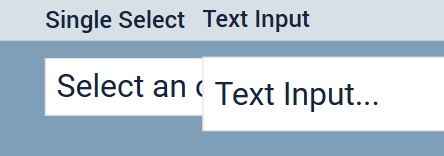
I noticed that Tulip has some formatting functionality which is available in “Single Select” inputs but not available in “Multi Select” input. Is it possible to provide all the same formatting functionality in “Multi Select” input same as “Single Select” inputs?
Thanks for raising this issue! We know there are a few minor inconsistencies between these widgets. The multi select widget does not have the same wrapping of label text, and is missing some border styling functionality. Are there any other styles you are specifically trying to apply to your multi select widgets?
It would be nice to add all the functionality which we have available in single select input, but at least for starter if we can get boarder and label, that would be nice to start with.
Hi @sara_t
Also Multi & Single Select still have way different dimensions when set to the same Font size than a regular text input. (They are only the same on size 40)
(e.g. font size 24:)