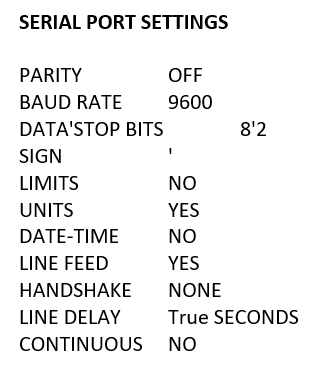
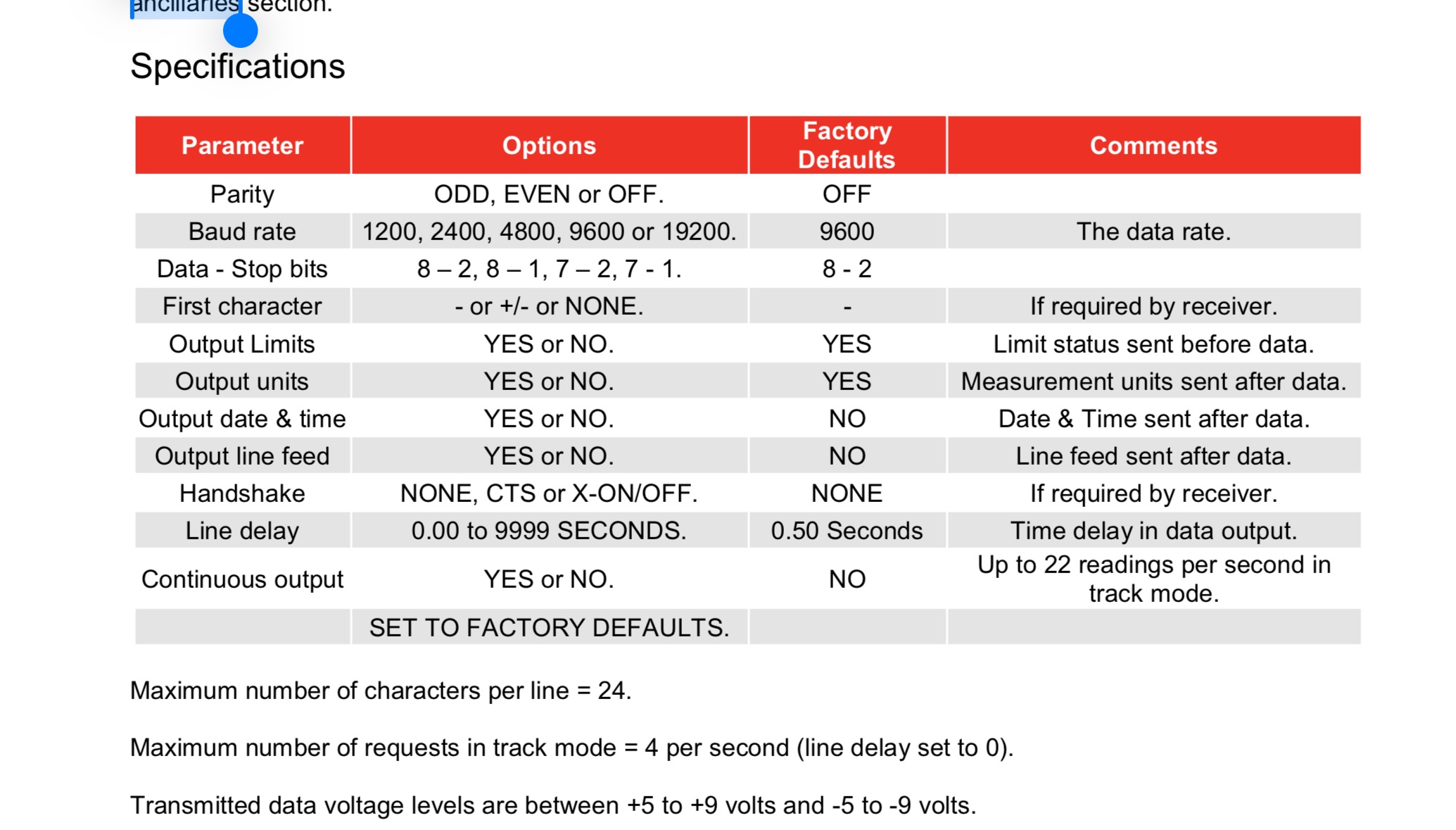
Additional detail related to an old post that didn’t get any responses:
Another site is using this Wedgelink hardware to input Nobar torque analyzer data output into an excel spreadsheet, which they print out, wet sign, and file away.
Looking to leverage this existing hardware and quickly modify our existing torque test application to account for this different input source.
I don’t actually have the device and the folks that do are hard to connect with…I am hoping this might be detectable with the Serial (Player Only) connection. Or that I can swap in a generic Serial-to-USB cable that will work the same as the ones we use with our Mountz analyzers .
If anyone has used this with Tulip, your suggestions/tips/tricks are much appreciated.
I think the approach with Serial (Player Only) makes sense.
For instances that utilize Player 2.8.1 and release r319, you can utilize TorqueOP to communicate directly with the Torque controller that controls the devices.
This is the opposite - torque limiting device (typically cam-over style, but think like a torque/click wrench) is applied to the analyzer, and the analyzer outputs the peak torque value at which the device “clicked” when it reached its physical limit/setpoint.